

Have you ever picked up your phone and just smiled for a second because the picture looked so nice? That’s the feeling we’re going for here.
You look at your phone all day. While you wait for coffee, on the bus, in bed before you sleep. So why not make that screen feel a little bit like Christmas?
Here’s the thing, though. A lot of holiday wallpapers are way too busy. Bright red everywhere, glitter, cartoon characters, and you can’t even find your apps anymore.
These ten are different. They’re soft watercolor and hand-drawn designs on a warm, creamy background, with tons of space left at the top for your clock.
Think a little blue vintage truck carrying a tree home, a snow globe, a wreath tied with a ribbon, two champagne glasses with pink bows. Cute, a bit dreamy, and never loud.
I’ve split them into four groups. Cozy Christmas scenes, nature-inspired picks, minimalist designs, and a little glam for the party crowd.
Pick one that feels like you, or pick a few and switch them through December. There’s no wrong answer here, honestly.
Why Your Phone Deserves a Holiday Makeover
Changing your wallpaper takes about thirty seconds. And yet it changes how your phone feels every single time you pick it up.
It’s kind of like putting up a small Christmas tree in your room. It’s tiny, but it reminds you that the season is here, even on a boring Tuesday.
Plus, these designs all share the same soft beige background. So if you get bored of one, you can swap to another and your phone still feels like the same calm, cozy style.
They’re also shaped for a phone screen, tall and narrow. That means very little gets trimmed off when you set them, and the main picture stays where it’s meant to be.
Cozy Christmas Scenes
1. Vintage Blue Truck Holiday Scene
A pale blue vintage pickup truck, seen from the back, carrying a freshly cut tree and a pile of wrapped presents. A cozy plaid blanket hangs off the tailgate, and a few icy sparkles float above.
It feels like a scene from a holiday movie, honestly. The one where everybody drives out to the tree farm and comes home with hot chocolate.
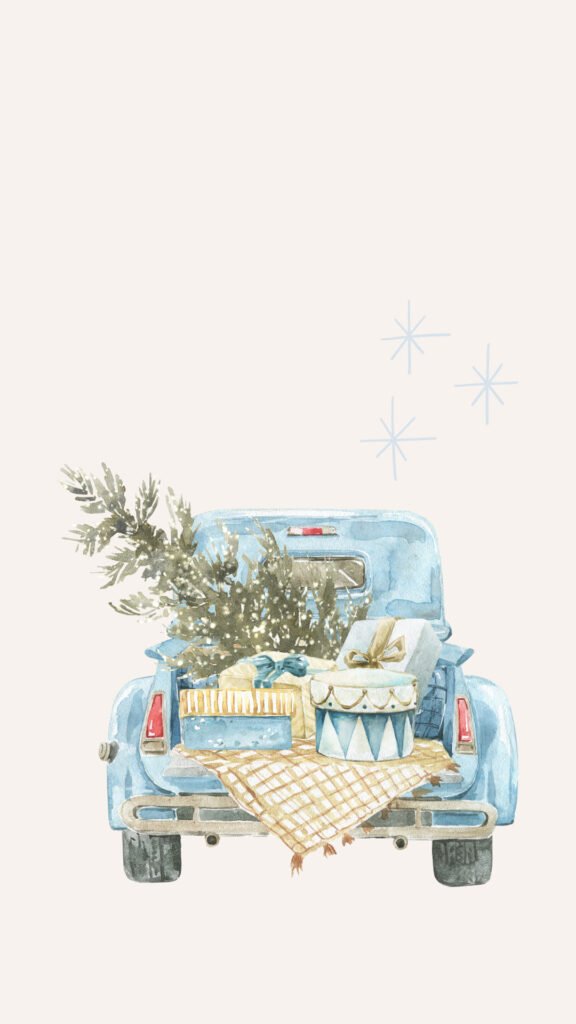
The truck sits right in the middle of the screen, a little below center. So your clock gets the whole top area to itself, and the truck shows up clearly underneath.
The colors are soft blue, gold and cream. That makes it great if you don’t like a lot of red and green but still want something that feels festive.
If you get a lot of notifications, they’ll stack over the bottom of the truck. Try setting your notifications to show as a count. Then the whole scene stays visible.
My little tip? Pick a soft blue or white clock. It picks up the color of the truck and makes the whole lock screen look matched.
And if you’re the kind of person who drives home with a tree on the roof every year, this one will feel extra personal. It’s a tiny reminder of that trip.
2. Twinkling Tree With Gift
A big watercolor Christmas tree full of tiny warm lights leans in from the left side of the screen. Next to it sits a present wrapped in red and white gingham paper with a big bow.
What I love here is that the tree is cut off at the edge. It feels like you’re peeking into someone’s living room on Christmas Eve.
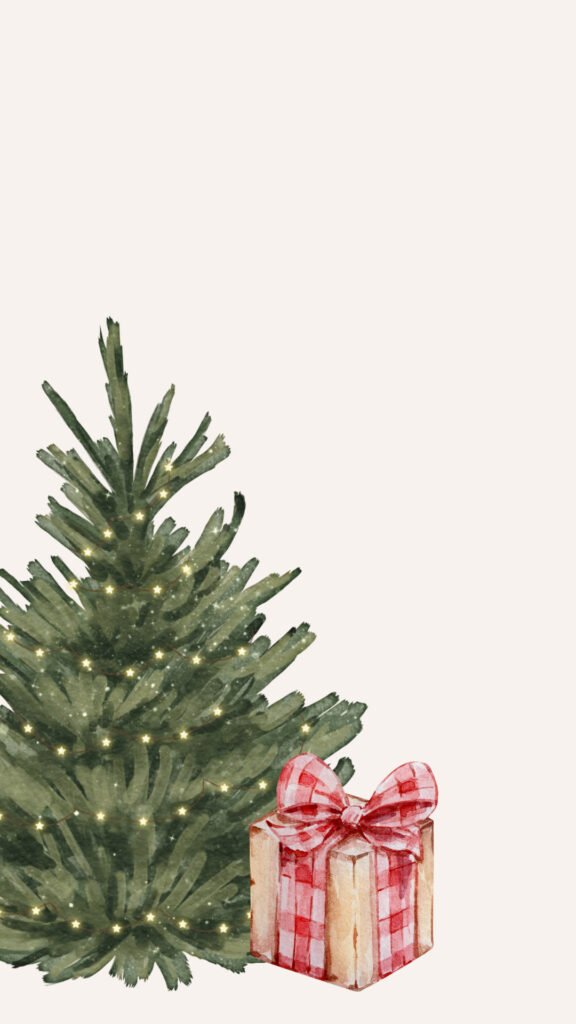
The tree and gift sit low and to the left, so the top and the right side are almost empty. That’s perfect space for your clock, date and a widget or two.
On the home screen, though, the gift may get hidden behind your dock. If you want to see the present, use this on the lock screen and pick something simpler for your home screen.
The warm glow of the lights makes this one feel extra cozy at night. If you check your phone in bed, it’s a really nice thing to see.
Just be careful with zoom. If you pinch in too much when you set it, the gift gets pushed off the screen and you’re left with half a tree.
The gingham wrapping is a nice detail if you like a farmhouse or cottage style. It’s the same red and white check you see on cozy kitchen towels and picnic blankets.
3. Snow Globe Christmas Tree
A glass snow globe with a tiny decorated tree inside, wrapped presents at its base and soft snow falling all around. It sits on a warm brown wooden base.
It’s like having a little winter world in your pocket. You can almost imagine shaking your phone to make it snow.
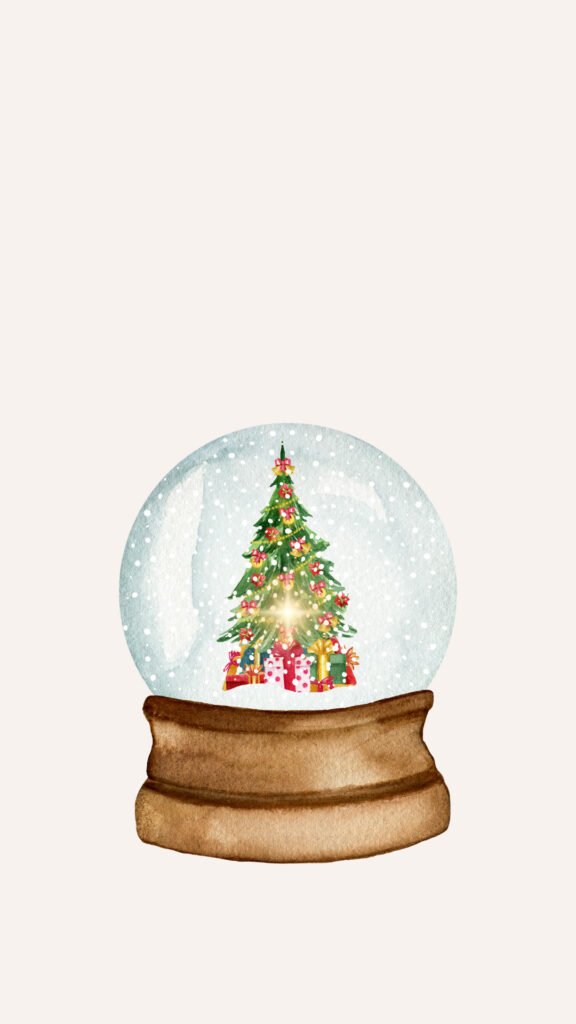
The globe sits nicely in the middle, a little lower than center. Your clock lands right above the glass, which looks really neat.
This one has more color than most of the others, with red, gold and green ornaments inside the globe. So if you like a bit of classic Christmas, this is a good pick.
It also works with dark mode better than you’d think. The brown base and colorful tree still stand out when your phone dims the background at night.
If you use the depth effect on your lock screen, test it here. Sometimes the phone tries to tuck the clock behind the globe, and it can look a little odd.
Turn it off if it does. You’ll find the option in the lock screen menu while you’re customizing, and it only takes a second to switch back.
4. Romantic Candle Duo
Two tall, thin candles drawn in light pencil-style lines, each tied with a pink bow and long flowing ribbon. Tiny flame marks flicker on top.
This one feels quieter and more romantic. Like a candlelit dinner, or a slow evening at home with a blanket and a movie.
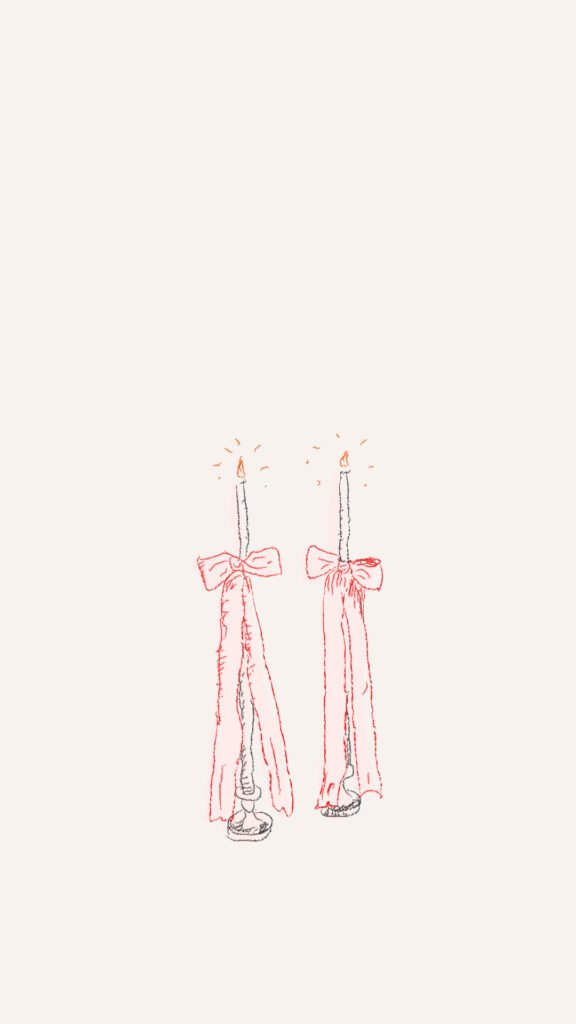
The candles are drawn in thin lines, so they’re very light on the screen. That means your notifications and widgets stay easy to read on top of them.
It’s a great pick if you think watercolor trees are a bit too much. It’s still Christmas, but it’s soft and grown-up.
Pair it with a pink clock. The bows are the only real color here, so matching them ties everything together.
Fair warning, the thin lines can look faint at low brightness. If you keep your screen dim, turn it up just a little to see the candles properly.
It also looks lovely on Valentine’s Day, believe it or not. Pink bows and candles aren’t only a Christmas thing, so you might get two seasons out of this one.
Nature-Inspired Picks
5. Snow-Dusted Pine Tree
A watercolor evergreen covered in thick white snow, with a sweet pink bow tied right at the top. It looks like it’s been standing in a snowy field all night.
This one has a lot of texture. Up close you can see the little brush strokes in the branches, which makes it feel hand-painted.
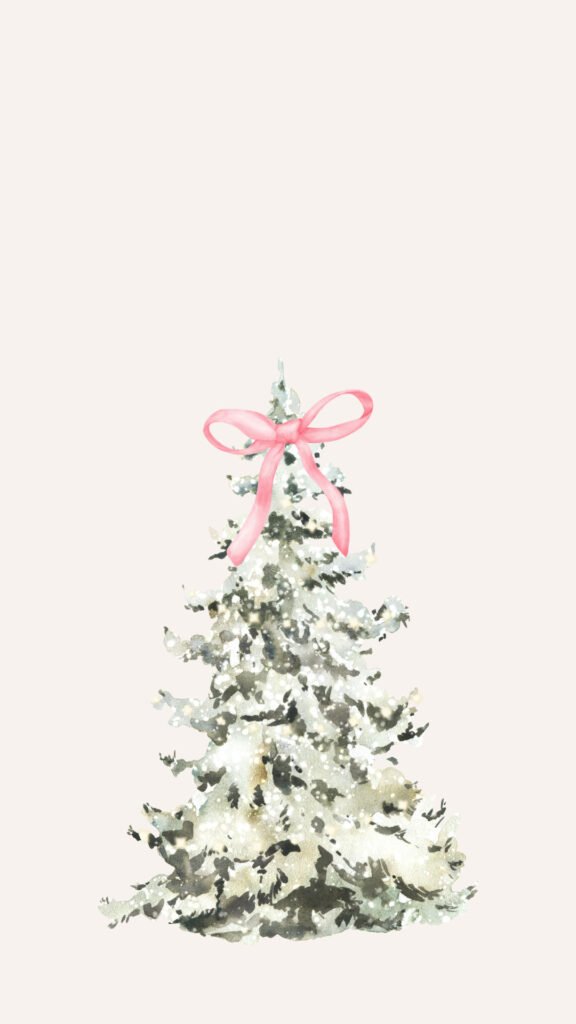
The tree sits in the lower half of the screen. So the top is wide open for your clock, and the pink bow lands just below it.
Since there are no presents or ornaments, this one feels more winter than Christmas. You can easily keep it on your phone through January.
Try it with a white clock. White on the beige background is soft but still easy to read, and it matches the snow.
The only thing to watch is your dock on the home screen. The bottom of the tree might hide behind it, so I’d keep this one for your lock screen.
If you live somewhere it never snows, this is a sweet way to fake a white Christmas. It’s at least a little snow, even if it’s only on your phone.
6. Blue Ribbon Festive Wreath
A full, leafy evergreen wreath with little clusters of red berries, and a soft blue ribbon tied at the bottom with long tails hanging down. Classic, but with a twist.
The blue ribbon is what makes it special. Most wreaths come with a red bow, so this one feels a little fresher.
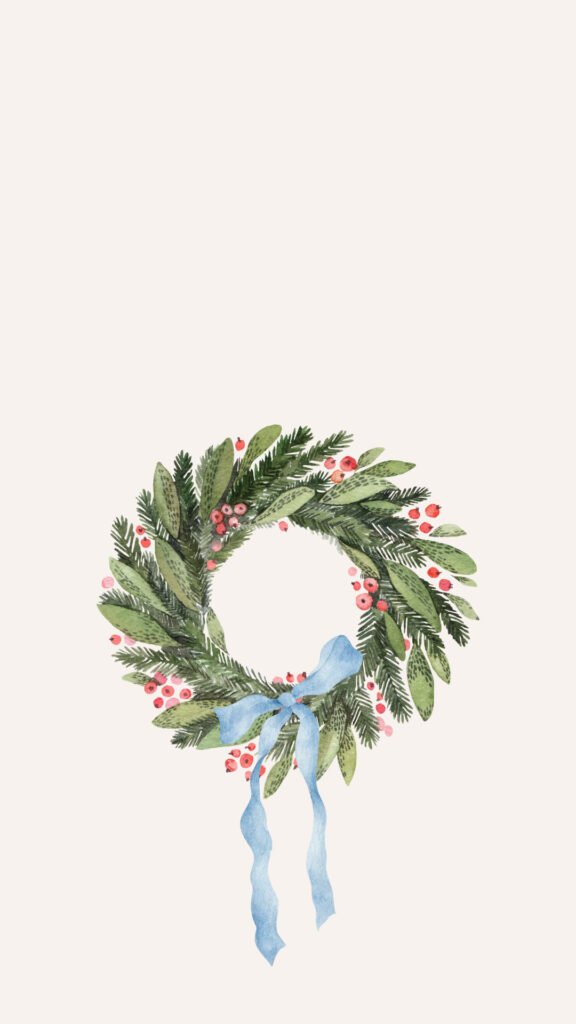
The wreath sits in the middle of the screen. You can drag it up a bit so your clock sits right inside the circle, which looks really cute.
The ribbon tails hang down quite low. If you have a lot of notifications, they may cover them, but the wreath itself stays visible.
This one goes really well with a light blue or clear phone case. If your case is pink, the red berries still keep it feeling warm.
Honestly, it’s one of the easiest wallpapers here to live with. It’s pretty without being busy, so you won’t get tired of it halfway through December.
And if you hang a real wreath on your front door, try snapping a photo of it next to your phone. It’s a cute little match for your stories.
Minimalist Holiday Designs
7. Minimalist Star Tree in a Basket
A small, soft green tree sitting in a woven basket, decorated with gold stars, little gold baubles and tiny pink bows. It’s simple, sweet and very Scandinavian in feel.
Sometimes the simplest wallpapers end up being the ones you keep the longest. This is one of those.
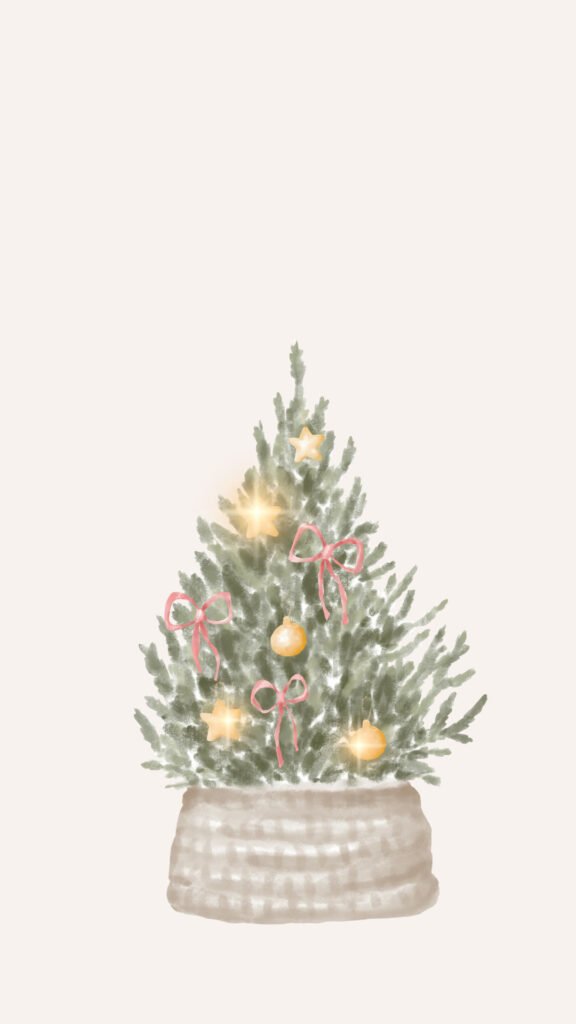
The tree sits in the lower half of the screen. That leaves plenty of clean space at the top for your clock, date and widgets.
The gold stars catch your eye without being flashy. If you like a bit of sparkle but hate glitter overload, this one’s a nice middle ground.
It also makes a great home screen. Your icons sit on the empty top part, and the little tree peeks out under them.
Just be careful with the dock. If the basket hides behind it, move the picture up slightly when you set it.
It’s a good choice for small spaces too, kind of like a real one. If you only have room for a tiny tree in your apartment this year, this wallpaper matches that mood perfectly.
8. Simple Elegant Wreath
A soft olive-green leafy wreath with a pale pink ribbon, framed by a loose, hand-drawn white ribbon border around the whole design. Calm, pretty and very easy on the eyes.
This is the one I’d pick if you like minimal style. There’s no red at all, so it feels more like winter decor than a Christmas card.
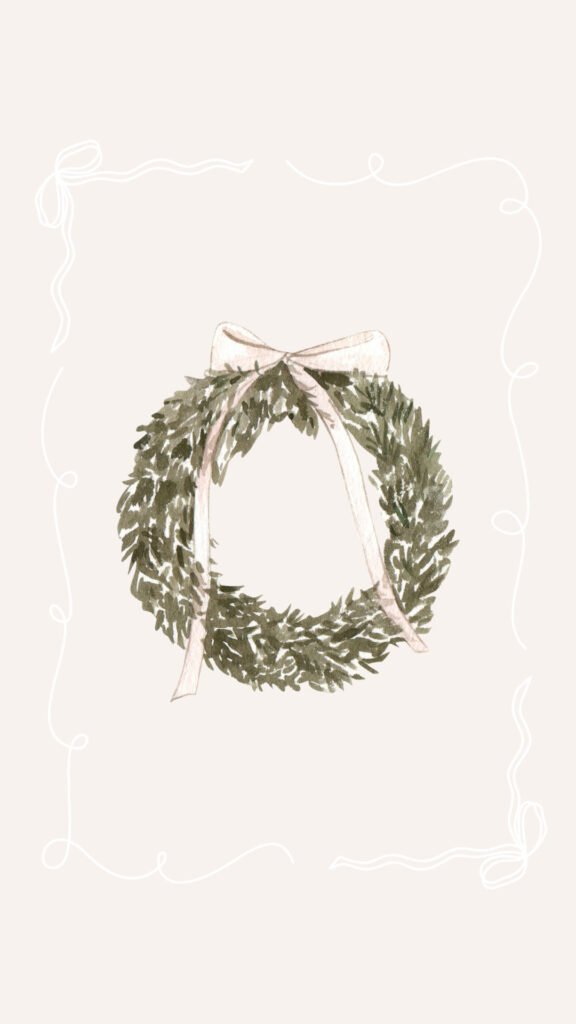
The wreath sits in the center, and the drawn ribbon frame goes around almost the whole screen. It’s like your lock screen has its own little picture frame.
Your clock will land near the top of the frame, which looks clean. Keep your widgets small so they don’t cover the wreath.
Since it’s mostly green and soft pink, it matches pretty much any phone case. White, beige, pink, clear, it all works.
One small thing. The white frame lines are faint, so they might disappear if your brightness is very low. It’s not a big deal, the wreath still looks lovely on its own.
A Little Glam
9. Festive Champagne Toast
Two champagne glasses drawn in simple black lines, filled with pink bubbly and tied with coral bows at the stem. Little sparkles float around them like they just clinked.
This one is pure party energy. Perfect for the week between Christmas and New Year, when every day feels a bit like a celebration.
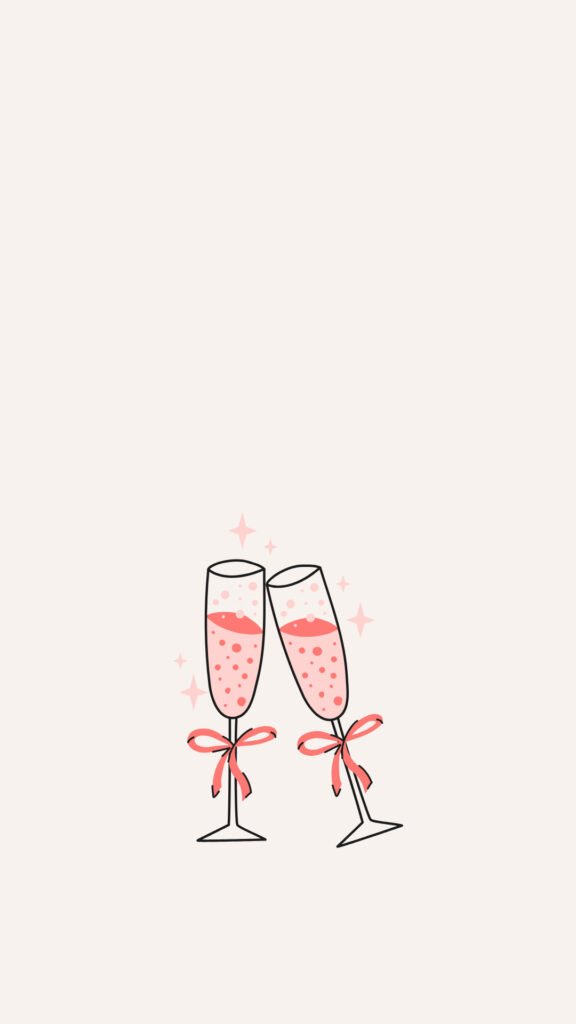
The glasses sit in the lower middle of the screen. Your clock gets the whole top area, and the toast shows up nicely underneath it.
It’s fun but still soft. The pink and coral colors keep it cute instead of flashy, so it doesn’t feel out of place in a work meeting.
Use a pink or coral clock here if you want to match. Or keep it white for a cleaner look.
It’s also a fun one for a birthday or a promotion. Anything worth a toast, really, so don’t feel like you have to delete it after New Year.
My suggestion is to save this one for New Year’s Eve. Switch to it that night, and you’ll have a tiny reminder to celebrate every time you check the time.
10. Classic Red Velvet Bow
A big red velvet bow with a thin gold edge, sitting alone on that soft cream background. That’s all, and it’s honestly beautiful.
It’s the most elegant wallpaper on this list. A little bit luxury, a little bit classic Christmas.
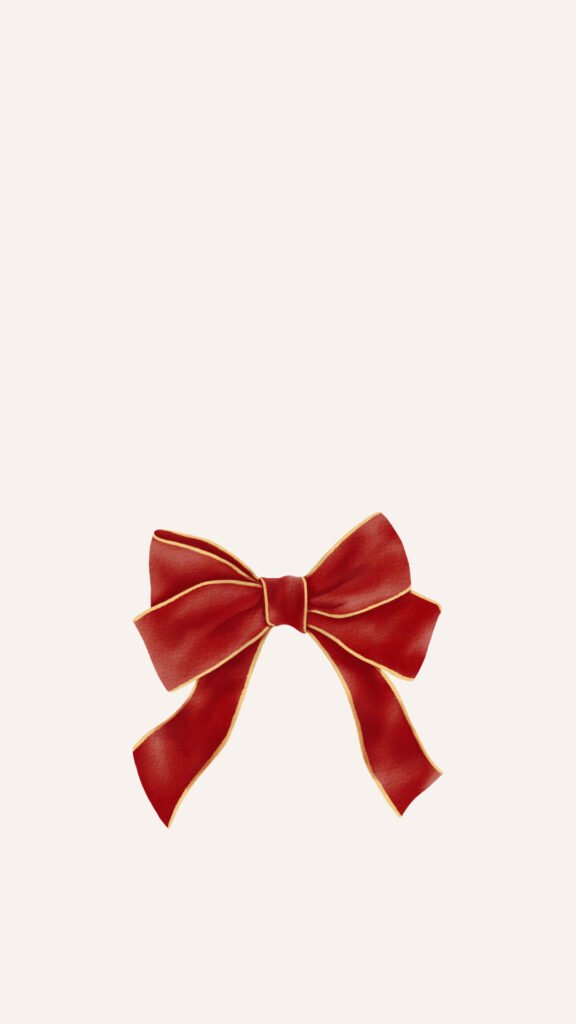
The bow sits in the lower middle of the screen, so it doesn’t fight with your clock at all. You get a clean top and one bold detail below.
If you’ve been reading about the coquette bow trend, this is a great way to try it without going full pink. Red feels richer and more grown-up.
It works on both your lock screen and home screen. On the home screen, the bow peeks out between your app icons like a little gift.
The only thing to keep in mind is color. If your phone case is bright pink or orange, the red might clash a bit. A neutral, gold or clear case looks best with it.
How to Choose Your Perfect Match
Still can’t decide? No worries, here’s a quick guide.
If you love minimal style, pick the simple wreath (#8) or the little star tree in the basket (#7). Both are soft, calm and easy to live with all month.
If you want something cozy, go with the vintage truck (#1) or the candle duo (#4). They feel warm, like a quiet night at home.
If you love a bit of glam, the red velvet bow (#10) or the champagne toast (#9) are calling your name.
And if you’re a nature lover, the snow-dusted pine (#5) or the blue ribbon wreath (#6) will feel just right.
Get Your Lock Screen Layout Right
A pretty wallpaper can still look messy if the clock, widgets and notifications are piled on top of it. A few small changes fix that.
First, the clock. While you’re customizing your lock screen, tap the time to change its font and color. A thin font in white or soft pink looks best on these creamy backgrounds.
Next, widgets. You can add a small row under the clock, like weather, battery or your calendar. Keep it to two or three, because a full row of widgets will crowd the top of the screen.
Then notifications. If they keep covering the picture, change how they show up. A simple count at the bottom keeps the screen tidy, and you can still tap it to see everything.
And here’s a trick most people don’t know. You can link a lock screen to a Focus mode, like Sleep or Work. So the champagne glasses can show on weekends, and the calm wreath can show during the work day.
Make December Feel Like an Advent Calendar
Here’s a fun idea. Instead of picking one wallpaper for the whole month, switch to a new one every few days.
Start early December with the calm ones, like the simple wreath or the snow-dusted pine. Move to the cozy scenes, like the truck and the snow globe, closer to Christmas.
Use the twinkling tree with the gift on Christmas Eve. Then finish the year with the champagne toast or the red bow for New Year’s Eve.
It sounds like a small thing, but it makes your phone feel like it’s counting down with you. And it’s a nice little surprise every time you open it.
To make switching easy, save all your favorites into one album in your Photos app. Then you can set a new one in a few taps, without scrolling through hundreds of pictures.
Quick Styling Tips
Want everything to look even better? Try sorting your apps by color, or at least putting your most-used ones in the dock. Fewer icons on the main screen means more of the wallpaper shows through.
You could also make a festive folder name, like “Holiday Shopping” or “Christmas Plans”, for the apps you’ll use most this month. It’s silly, but it’s fun.
If a wallpaper looks blurry, the file you saved is probably too small. Tap the credit link under the design you love to get the full-size version from the original page.
And if the design looks cut off, pinch to zoom out a little when you set it. Most of these fit a phone screen perfectly, but every phone is a slightly different shape.
What to Do When the Holidays Are Over
Come January, a lot of people just leave the Christmas wallpaper on until spring. I get it, it’s one more thing to remember.
But a few of these work way past the holidays. The snow-dusted pine, the simple wreath and the candle duo don’t have presents or ornaments, so they still feel right in the cold weeks of January.
So here’s what you can do. On New Year’s Day, swap the truck, the snow globe or the gift for one of those quieter winter designs.
You keep the cozy, soft feeling, but your phone stops looking like it’s stuck on December 25th. Then when spring comes, you can go hunting for something fresh and floral.
That’s pretty much the list
Ten cute, cozy wallpapers, from a little blue truck to a red velvet bow. All of them are soft enough to look at all day without getting tired of them.
You don’t need to overthink it. Pick the one that made you go “aww”, set it tonight, and see how it feels tomorrow.
Remember, the best wallpaper is simply the one that makes you smile every time you see it. Trust your gut.
So which one is going on your phone first, the snow globe, the champagne toast, or that little truck carrying the tree home?