
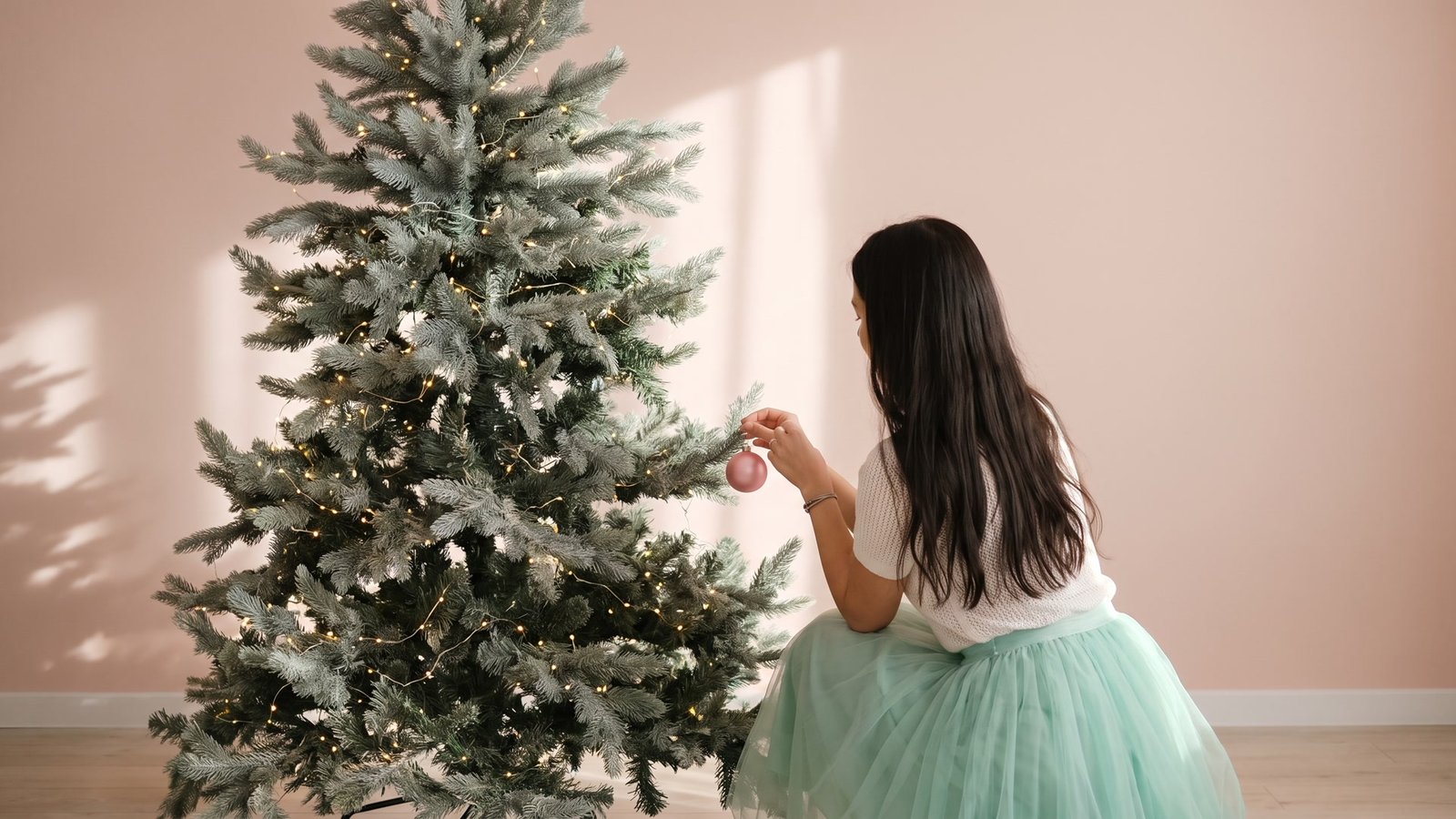
You pick up your phone maybe a hundred times a day. And every single time, the first thing you see is that same old wallpaper you set two years ago and forgot about.
So here’s a tiny change that honestly makes a difference. Swap it for something soft, wintery and a little bit girly, and suddenly checking the time feels kind of nice.
That’s the whole idea behind the coquette look. Think pastel pinks and icy blues, satin bows, pearls, watercolor trees and handwritten script. It’s sweet without being loud.
I know a lot of winter wallpapers go the other way. Bright red, busy patterns, cartoon Santas everywhere. Those can be fun, but they get tiring fast when you see them all day.
The ten wallpapers below are calm. Most of them have tons of empty space, which is exactly what you want on a lock screen, because your clock and notifications need somewhere to sit.
I’ve grouped them into four sets. Soft script Christmas designs, trees tied with a bow, tiny details on a quiet background, and a couple of storybook and night sky ones for when you want something a little different.
You don’t need all ten, obviously. Pick the one that feels most like you right now, and switch it up later in the season if you get bored.
Before You Pick One: Lock Screen or Home Screen?
The thing is, a lock screen and a home screen want different things. Your lock screen shows the clock, the date and a few widgets, so a design with one small picture and plenty of blank space works best there.
Your home screen is covered in app icons. A busy picture gets lost behind them, so plain, soft backgrounds usually look cleaner. A blush or cream background with one tiny detail at the bottom is perfect.
Look at where the main picture sits. If the tree or bow is high up, your clock might cover it.
If it’s low, your dock and icons might hide it instead. You’ll see me point this out for each design, so you know where to drag it.
And check the shape. Some of these files are tall and narrow like a phone screen, and some are a little wider. The wider ones get trimmed on the sides when you set them, so keep the main picture centered when you adjust it.
One more tip. If you like a design but the color feels a bit off on your screen, try turning down your brightness or turning on Night Shift. Soft pastels can look washed out at full brightness.
Soft Script Christmas Wallpapers
1. Happy Holidays Girl and Tree
This one feels like a little story. A girl in a mint skirt kneels next to a glowing watercolor tree, hanging up the last few lights, with “Happy Holidays” written above in thin black script.
It’s the coziest one on the list, I think. You can almost hear the music playing in the background while she decorates.
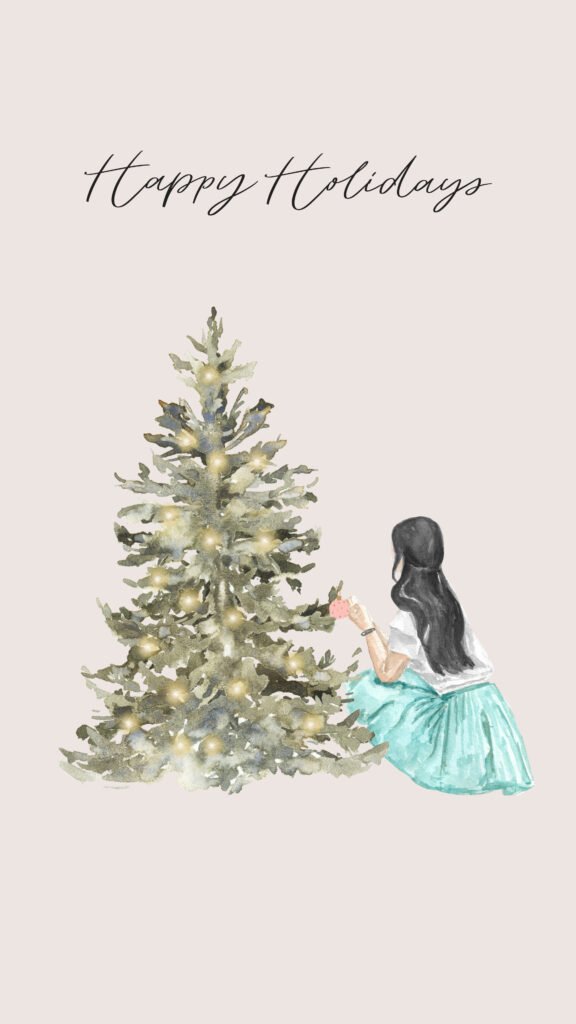
The background is a warm, soft blush, so it doesn’t fight with your clock. And the script sits right near the top, which means your time will land just above or over it depending on your phone.
If you want the words to stay readable, drag the picture down a little when you set it. That gives the clock its own space and keeps “Happy Holidays” clear underneath.
This works best as a lock screen. On the home screen, the tree and the girl end up hidden behind app icons, and that’s kind of a waste of a pretty picture.
One small caution. The mint skirt is the only real color pop, so pick a white or soft gray clock color. A bright clock color will pull attention away from the scene.
2. Blush Merry Christmas Tree
Simple and sweet. A dark green watercolor tree covered in tiny lights, with “Merry Christmas” in pink handwritten script floating above it.
The pink lettering is what makes this coquette instead of just plain Christmas. It’s soft, a bit loopy, and it matches the blush background perfectly.
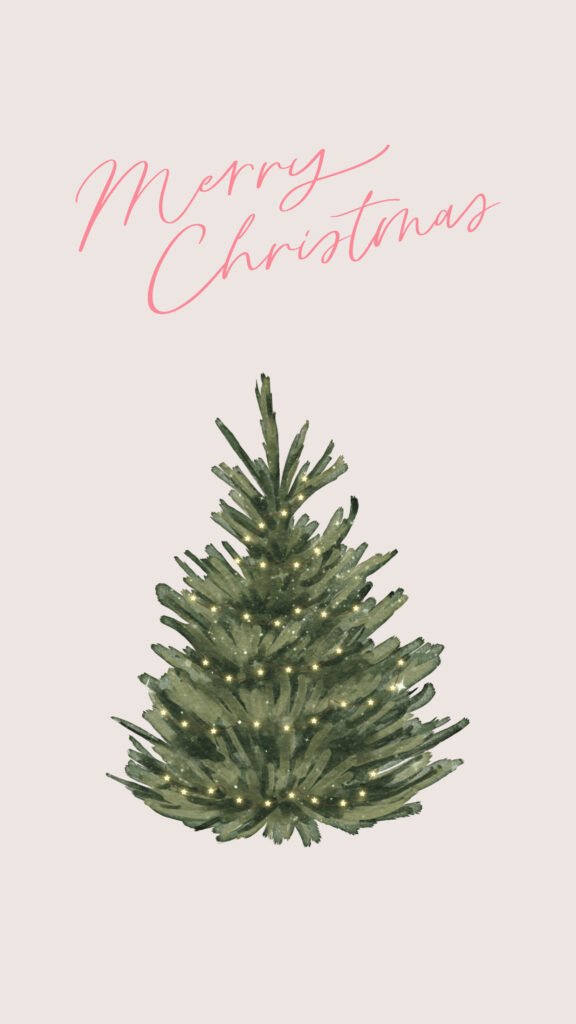
The tree sits in the middle of the screen, so it shows nicely under your clock. Notifications stack in the lower half, which might cover the trunk, but the top of the tree stays visible.
Honestly, this is a great “starter” wallpaper if you’re not sure about the coquette look. It’s festive, easy on the eyes, and nobody will think it’s too much.
If you use lock screen widgets, keep them small. Two or three little widgets above the clock are fine. A big row of them will crowd the script.
You can also pair this with the eucalyptus design further down as your home screen. Same soft tones, different detail, and it feels like a matching set.
3. Merry and Bright Berry Wreath
A thin round wreath of dark green leaves and little red berries, with “Merry & Bright” written in black script just above it. That’s it, and that’s why it works.
It’s very minimal, so it looks grown-up and clean. If your phone case is neutral or clear, this one just fits.
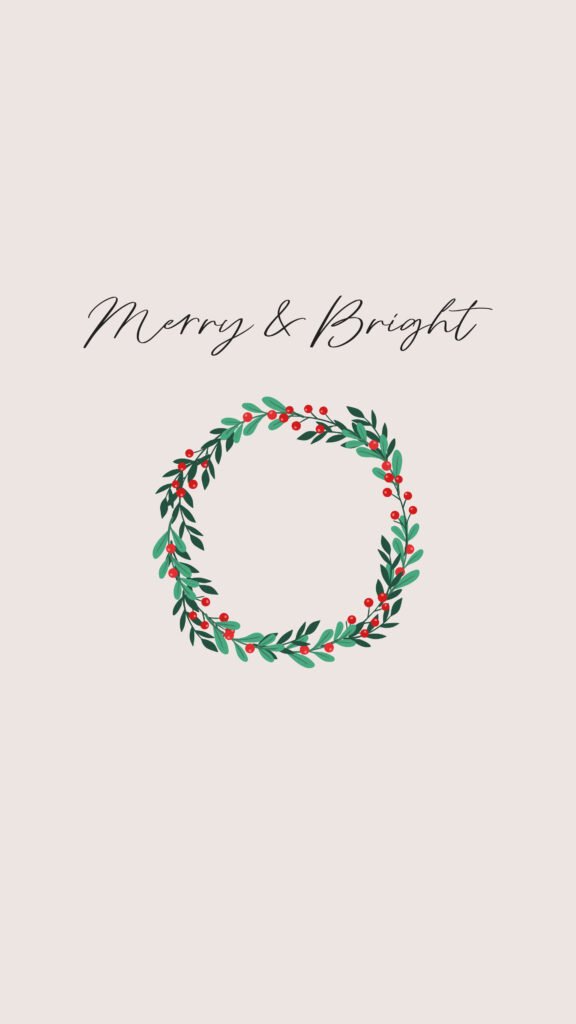
Here’s a fun trick. Line up the wreath so your clock sits right inside the circle, or right above it. Either way, the wreath frames the time like a little badge.
Play with it a bit when you set it, though. Every phone puts the clock in a slightly different spot, so you might need to zoom in a tiny bit to get the wreath where you want it.
The red berries are small, so they won’t clash with a pink or blue phone case. Even if your style is pastel, this tiny bit of red still feels soft.
Fair warning, the script is thin. If you have small text turned on, or you just like things easy to read, keep your brightness up a little so it doesn’t disappear.
4. Blue Bow Merry Christmas
A big periwinkle blue bow with long, wavy ribbon tails, and “Merry Christmas” written underneath in loose black handwriting. Bows are kind of the heart of the coquette look, so this one is pretty much the classic.
I love that it’s blue instead of red. It feels wintery and a little unexpected, like a gift wrapped by someone with really good taste.
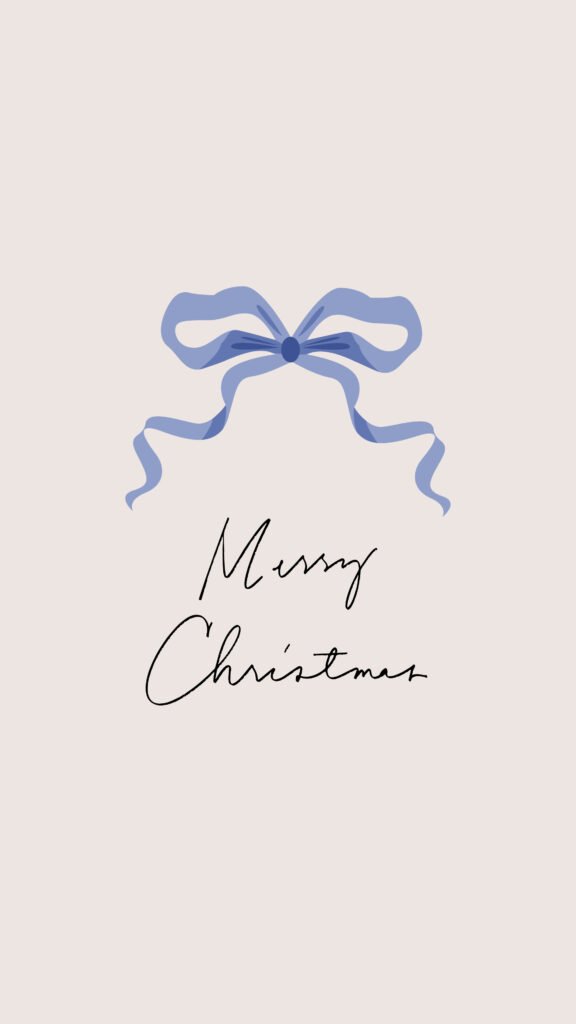
The bow sits in the upper middle, so on most iPhones the clock will land right on top of it or just above. Try both and see what you like. A clock sitting over the bow looks really cute in white.
Since there’s so much blank blush space below, your notifications won’t cover anything important. That makes this a really practical lock screen, not just a pretty one.
If you like color matching, pick a light blue clock when you customize the lock screen. It ties the whole thing together.
The only downside? It’s quite simple, so if you love busy, detailed art, you might get bored of it after a week. In that case, switch to the tree or the deer for a while and come back to it.
Christmas Trees Tied With a Bow
5. Icy Blue Bow Tree in the Snow
This one has a soft blue sky background, falling snowflakes, and a sparkly lit tree topped with a pale blue satin bow. It looks cold in the best way, like the first real snow of the year.
Of all ten, this feels the most “winter” and the least “Christmas”. So you can honestly keep it on your phone all the way through January and February.
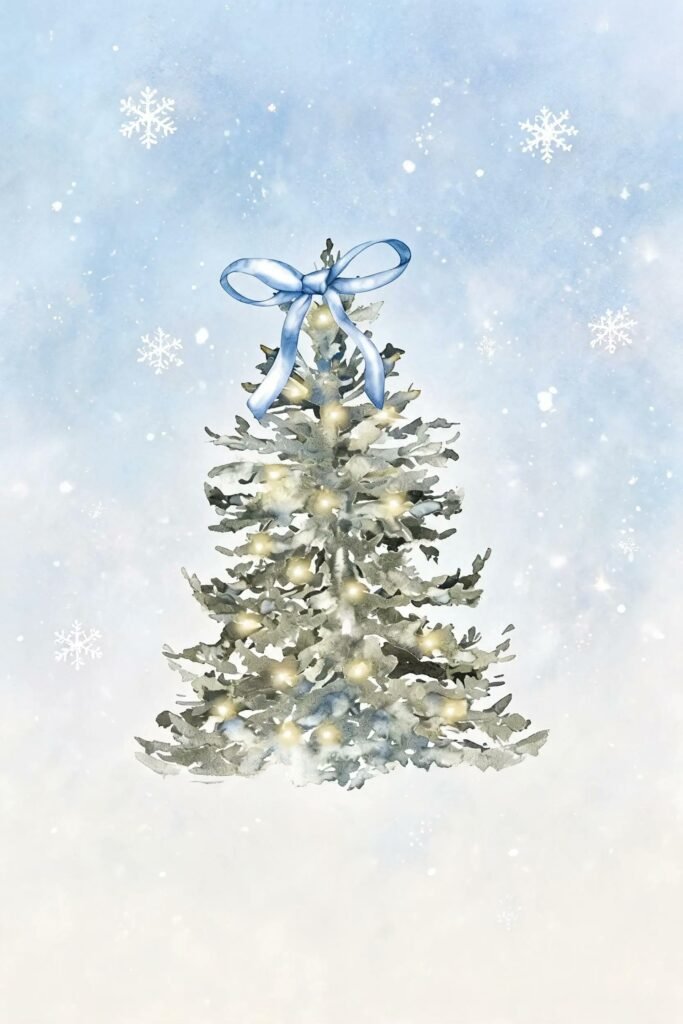
The tree sits low in the middle and the snowflakes float around the top. That means your clock lands in the snowy sky part, which looks really clean.
This file is a bit wider than a phone screen, so the sides get trimmed a little when you set it. Don’t worry, nothing important is near the edges. Just keep the tree centered.
If your iPhone has the depth effect turned on, it may try to tuck the clock behind the tree. Sometimes that looks amazing and sometimes it hides half the time. If it looks weird, turn depth effect off while you customize.
And here’s an idea. Use this one in late December, then move to the pearl ornament or the eucalyptus design in January when you want something calmer.
6. Pink Bow Christmas Tree
A tall watercolor tree full of soft glowing lights, with a big pink bow tied right at the very top. No words, no busy background, just the tree.
It’s a lot like the Merry Christmas tree above, but without the script. So if you don’t love text on your wallpaper, this is your pick.
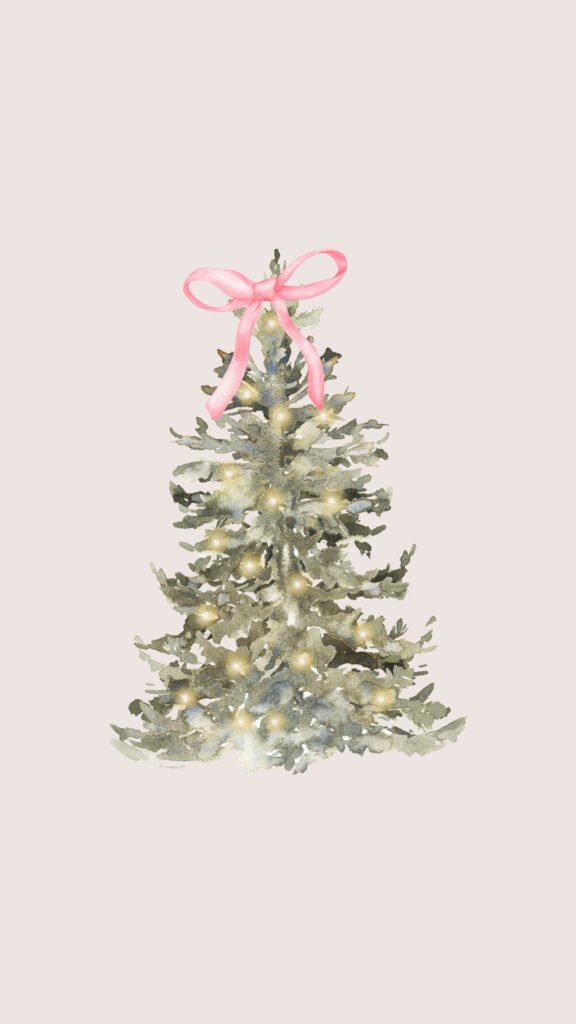
The pink bow sits pretty high, around where your clock lands on a lot of phones. I’d suggest moving the picture down a touch so the bow peeks out just under the time.
The tree has more of a frosty green color here, a little lighter and dustier than the dark one in #2. That lighter green goes really well with pink and cream phone cases.
Try this with a pink clock color. Matching the clock to the bow is a tiny detail, but it makes the whole lock screen feel planned.
One thing to watch. Because the tree is tall and fills a lot of the middle, too many notifications will cover it. If you get a lot of alerts, set your notifications to show as a count instead of a stack.
Tiny Details on a Quiet Background
7. Pearl Ornament With a Pink Bow
This one is so dainty. A single shiny pearl ornament hangs from a thin pink ribbon at the top of the screen, with a pink bow and a few loose pearls floating around it.
Everything else is plain soft pink. And believe it or not, that empty space is what makes it feel so pretty.
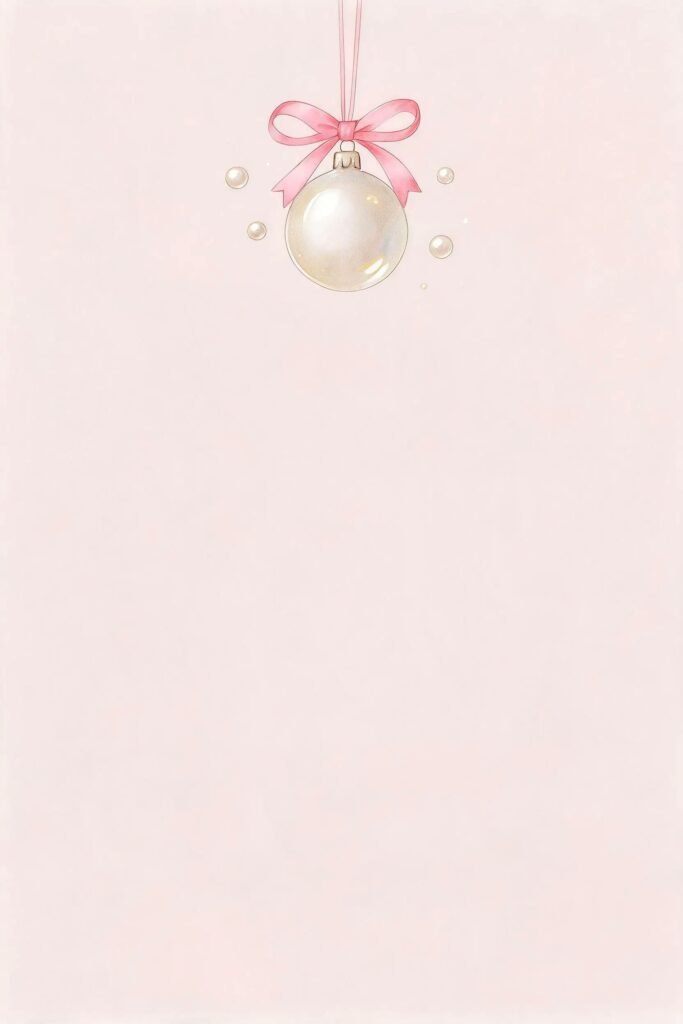
The ornament hangs right where your clock normally sits. You can either let the clock sit just below it, like the ornament is hanging off the time, or move the picture down a bit so they don’t overlap.
This also makes a lovely home screen. With the ornament at the top and all that soft pink below, your app icons sit on a clean background and still get that little pearl peeking through.
If you use dark mode, keep in mind your phone may dim the wallpaper at night. Pale pinks can look a bit gray in dark mode, so check it once after sunset.
And honestly, this one isn’t really a Christmas wallpaper. Pearls and bows work any time of year, so you can keep it well into spring.
8. Eucalyptus Sprig on Cream Paper
A small sprig of soft green eucalyptus leaves, tied with a little pink bow, tucked into the bottom corner of a warm cream background. That’s the whole design.
It’s the quietest one here. If you want something calm that doesn’t scream “holiday”, this is the one.
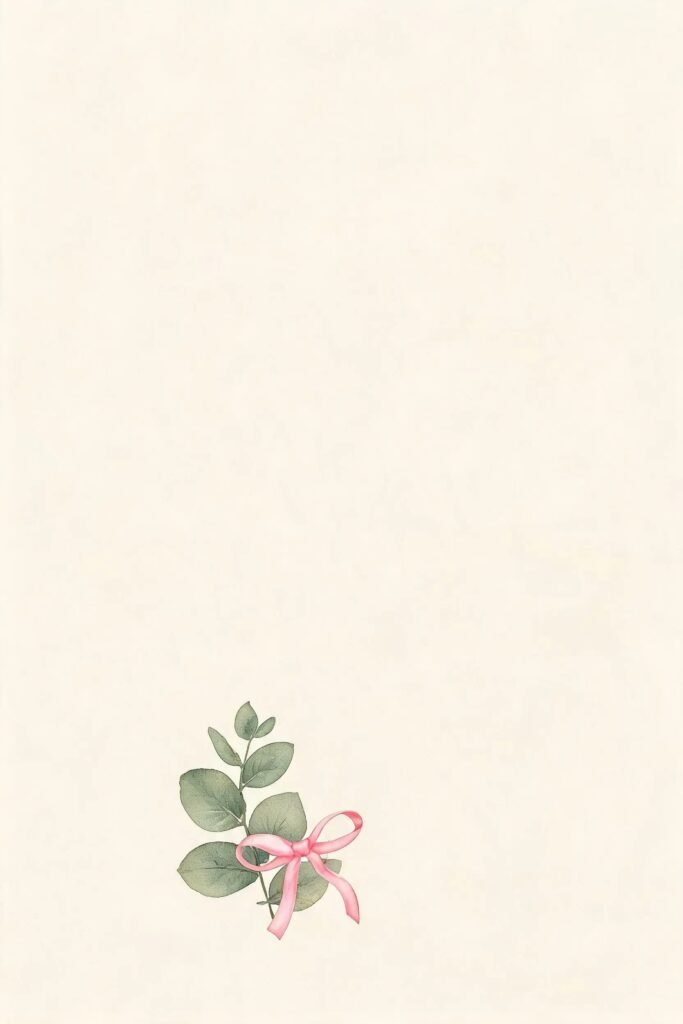
Because the sprig sits low and to the side, it works best as a home screen. Your icons fill the top and middle, and the eucalyptus peeks out down near your dock.
On a lock screen, it leaves the whole top half empty for your clock and widgets. That actually looks super clean if you use a lot of widgets and want them to stand out.
The cream color feels warm, almost like paper. It looks really nice next to a beige, white or light brown phone case.
Just know that on phones with a big dock, the bottom of the sprig might get covered. Move the picture up a little when you set it, so the leaves sit just above the dock.
Storybook and Starry Night Wallpapers
9. Midnight Red Bow for New Year
This one breaks the pastel rule a little, and I kind of love it. A deep red satin bow sits on a dark navy night sky, surrounded by little gold stars and sparkles.
It’s perfect for New Year’s Eve. Elegant, a bit dramatic, and still totally coquette because of that big bow.
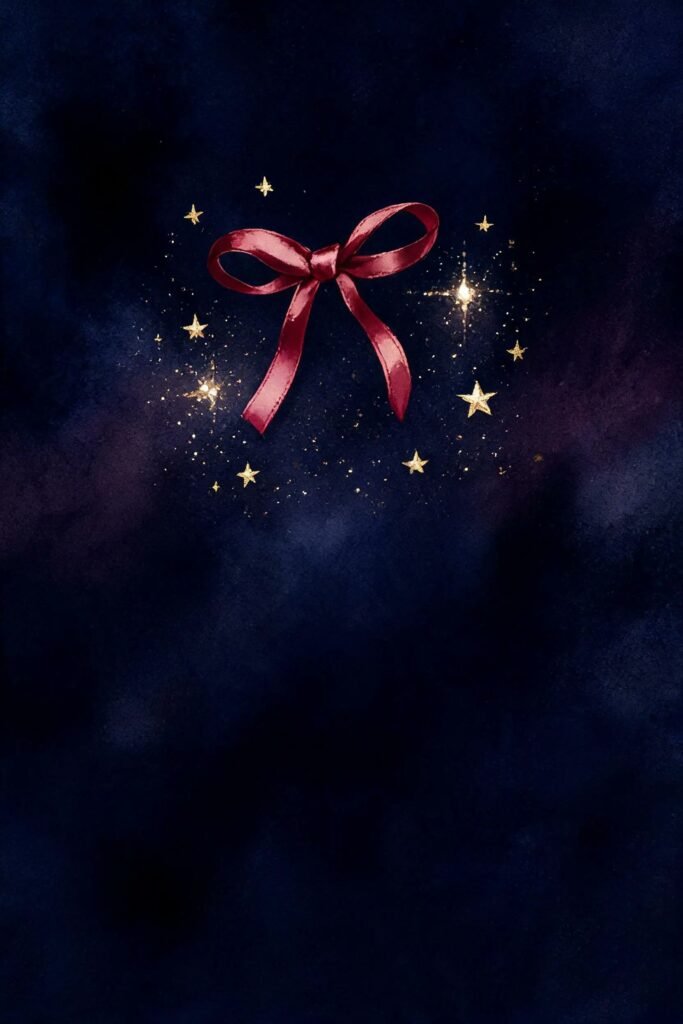
The dark background is easy on your eyes at night, and it saves a bit of battery on phones with an OLED screen. Most newer iPhones have one, so that’s a nice little bonus.
The bow sits in the upper third of the screen. On most phones, the clock lands right above it, which looks like the bow is holding up the time.
Pick a white or soft gold clock color for this one. Pink gets a bit lost on the navy background.
My suggestion is to save this one for the last week of December. Switch from a soft pink wallpaper to this dark one on New Year’s Eve, and it feels like a little celebration every time you check your phone.
10. Woodland Deer With a Pink Bow
A sweet baby deer with big dark eyes, a pink bow tied around its neck and a little pine sprig on its head, with a few soft snowflakes around it. It’s the most storybook design of the bunch.
This one’s for you if you love cute over minimal. It’s soft, a little playful, and it makes people smile when they see your phone.
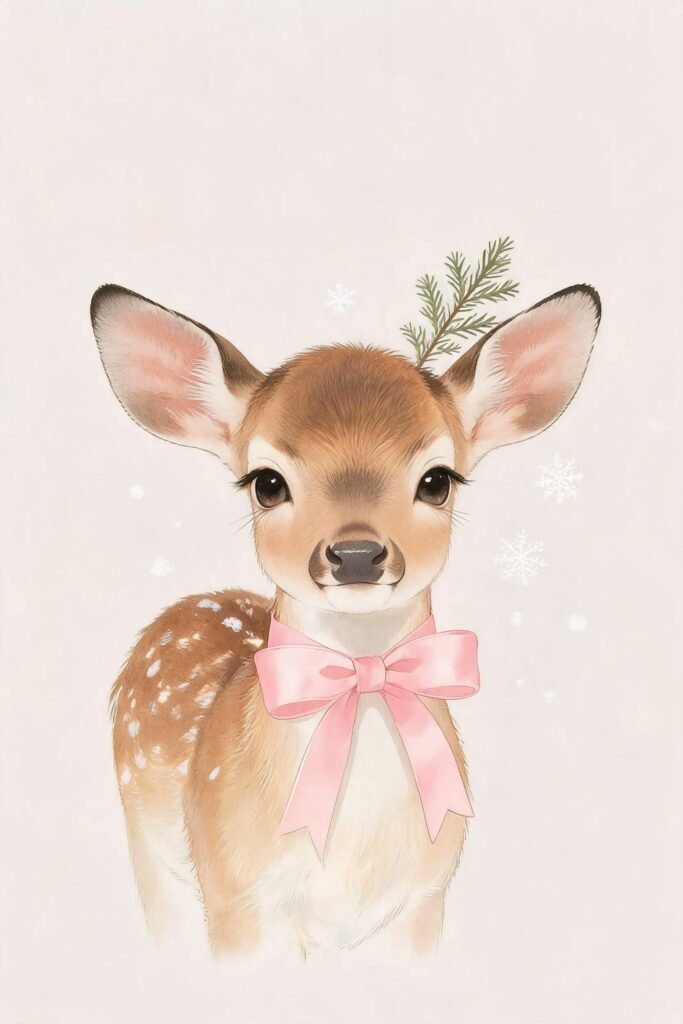
The deer fills a lot of the screen, so it shows best on a lock screen with just the clock and maybe one widget. Lots of notifications will cover its face, and nobody wants that.
The background is the same soft blush as the script designs, so you can easily switch between this and the Merry Christmas trees without your phone feeling like a totally different style.
If you have a slightly wider file showing on a taller phone, the deer’s ears might get close to the edges. Pinch to zoom out a tiny bit while you set it, and keep the whole head in view.
Fun fact, it doesn’t have any Christmas words or ornaments. So you can keep this deer around until the snow melts, and nobody will ask why you still have a Christmas wallpaper in February.
Not Sure Which One Fits You?
Still stuck between a few? That’s totally normal. Here’s a quick way to narrow it down.
If you like clean and simple, go for the berry wreath (#3) or the pearl ornament (#7). Both have one small detail and a lot of breathing room, and they never look cluttered.
If you want something that clearly says Christmas, pick the blush Merry Christmas tree (#2) or the blue bow with script (#4). The handwriting does all the festive work, so the rest can stay soft.
If cozy and sweet is more your thing, the girl decorating her tree (#1) or the little deer (#10) will make you smile every time. They feel like pages from a picture book.
If you want a wallpaper that lasts past the holidays, choose the icy blue tree (#5) or the eucalyptus sprig (#8). There’s nothing on them that looks out of place in January.
And if you’re the one throwing the New Year party, well, you already know it’s the midnight red bow (#9).
Can’t decide at all? Set two. One on the lock screen and a calmer one on the home screen, and you’ll quickly find out which one you look forward to seeing.
How to Set Your New Wallpaper on iPhone
First, save the picture you like to your Photos. Tap the credit link under any wallpaper above to grab the full-size file from the original page, so it stays sharp on your screen.
Then press and hold on your lock screen until it starts to wiggle. Tap the plus button, choose Photos, and pick your new wallpaper.
Now pinch and drag to place it. This is where you move the bow, tree or ornament exactly where you want it, so it doesn’t hide behind the clock.
Tap the clock to change its color and font. Soft white, light pink or pale blue work really well with these designs.
When you’re done, tap Add. Your phone will ask if you want it as a wallpaper pair. Say yes to use it on both screens, or tap customize home screen to pick something different, like a plain blur or one of the quieter designs.
You can also do all this through Settings, then Wallpaper, then Add New Wallpaper. Same steps, just a different starting point.
Using Android? Long-press an empty spot on your home screen and look for wallpaper or style. The menu names change a bit between phones, but it’s pretty much the same idea.
Make Your Home Screen Match
Want the whole phone to feel planned? Here’s what you can do.
Use one of the busier designs, like the deer or the girl with the tree, on your lock screen. Then put a quieter one, like the eucalyptus sprig or the pearl ornament, on your home screen.
Try the blur option for your home screen if your phone offers it. It softens the picture so your apps are easier to read, but you still get the same colors.
Keep your apps tidy. Put the ones you use most in the dock, and tuck the rest into one or two folders. Fewer icons means more of your pretty wallpaper shows through.
And if you really want to go all in, switch to a light pink or cream phone case for the season. It sounds silly, but it makes the whole thing feel matching.
That’s pretty much the list
Ten soft, wintery wallpapers, from dainty pearl ornaments to a starry New Year bow. You don’t need to overthink this.
Pick the one that made you stop scrolling. Set it tonight, and see how it feels tomorrow morning when you check your alarm.
If it doesn’t feel right after a few days, no worries. Swap it for another one. That’s half the fun of a seasonal wallpaper anyway.
Long story short, a tiny change on a screen you look at all day can make winter feel a little softer.
So which one are you setting first, the pearl ornament, the sweet little deer, or that midnight red bow?